

If you are in need of converting different images to PDF documents frequently, this is the right tool for you. Tiff2PDF is a simple and effective tool to convert single or multiple Tiff images into a PDF document.
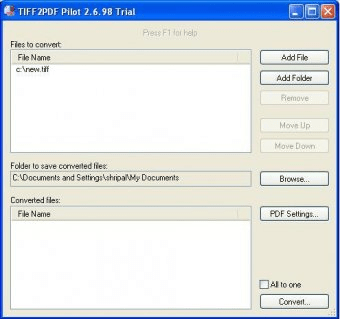
Tiff2PDF has various settings available to customize your PDF output. Thus, you can protect the file against copying and/or printing, or force the document to be opened only with a password. You can also define the PDF version you wish to convert your images into, as well as the layout of the document pages. One of its main assets is that you can convert many of your TIFF images into one PDF file by checking the “All to one” box. Moreover, you can choose to add files individually or a complete folder to be converted. You also have the possibility to change the hierarchy of various images, defining the order in which they will appear in the PDF file.
This tool will ensure that the size in bytes of the converted document is enough to allow you to share it with your friends via e-mail and to upload it on your website without facing weight problems. This tool also allows you to add certain important metadata to your output PDF, like author, subject, title, and keywords.
The trial version will add extra text to the converted file stating where the converted document came from. So far, it is compatible with Windows XP/2000/ME and 98.






Comments